

Cashflow360 is an integrated payments solution that helps businesses process invoices and payments quickly and easily. Built in collaboration with BILL, it allows you to manage invoices, pay suppliers digitally and handle payables and receivables all from Connect.

Automate your payables and receivables
Cashflow360 helps you connect digitally with suppliers and clients to automate invoicing, approvals and reconciliation. Streamline bill pay, simplify collections and sync seamlessly with your accounting software—so you can spend less time on manual processes and more time growing your business.
Key features
From invoice to reconciliation, Cashflow360 brings your payments workflow into one streamlined experience.

Modernize bill pay
Connect with vendors in the BILL network to send and receive electronic payments. Pay with one click or let Cashflow360 print and mail checks on your behalf.

Simplify invoicing
Send electronic invoices, track payment status, send reminders and collect payments via ACH. Real time updates show exactly when payment will hit your account.

Sync your software
Eliminate duplicate data entry by automatically syncing vendors, customers, bills and payments between Cashflow360 and your accounting system.1

See your cash position
Track payments, monitor cash flow and access real time reporting—all in a single dashboard.
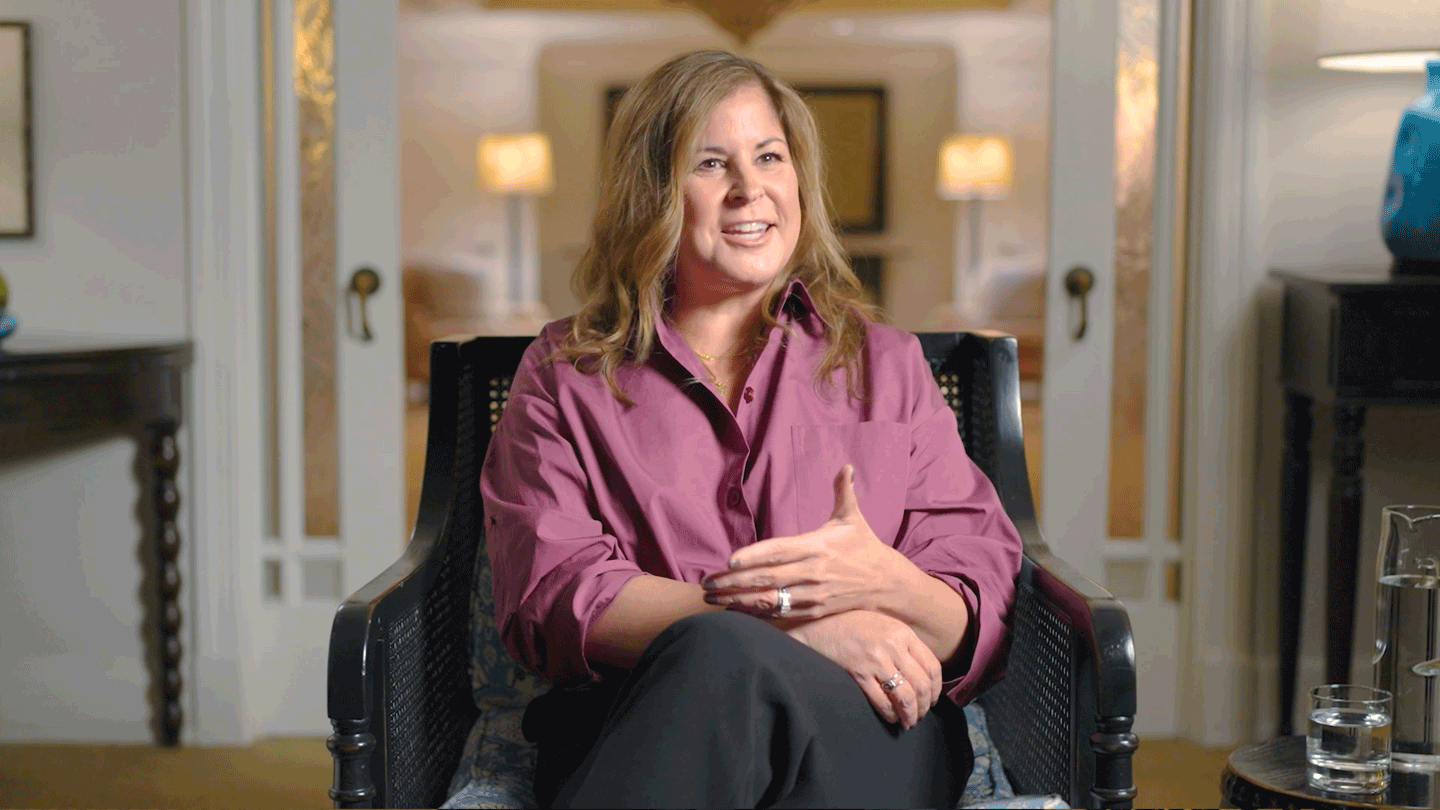
“I save about 20 hours per month by not writing checks. I don't need to purchase check stock to pay bills. I don't have to worry as much about checks being stolen or forged.”
—CEO, American International Supply
Frequently Asked Questions
BILL is a recognized leader in online invoicing and bill payment processing and the engine behind Cashflow360. With a network of millions of users and over $36 billion in annual payment volume, BILL helps businesses save time by digitizing invoices, payments and collections.
Cashflow360 syncs with most major accounting systems, including QuickBooks®, Microsoft Dynamics 365 Business Central, NetSuite®, Sage Intacct® and Xero®. Sync automatically exchanges vendor and customer names, bills, payments and chart of account data eliminating duplicate entry. Note: Cashflow360 integrates with Sage Intacct®, not other Sage products. If you use a different system, you can import and export data via CSV files.
Digital Bill Payment is designed for consumer to business (C2B) payments presenting bills and accepting online payments via ACH or credit card. Cashflow360 is designed for business to business (B2B) transactions, helping you manage both accounts receivable and accounts payable in one portal. You can send and receive electronic invoices and make payments via ACH or check.
Yes. You can pay any vendor through Cashflow360—even those not on the BILL network. Vendors on the BILL network can receive electronic payments. For vendors not on the network, Cashflow360 can print and mail a check on your behalf, as long as their address and bank account are U.S.-based. You can also invite vendors to join the BILL network to enable electronic payments.
For both check and electronic payments, vendors receive an email notification with remittance details and the expected payment arrival date. Electronic payments include your company name, invoice number, payment amount and a confirmation number. Checks include the invoice number and vendor account number on the memo line, plus an image of the bill on the stub. If paying multiple invoices, the stub lists each invoice number, account number and amount.
When you send an invoice through Cashflow360, your customer receives an email with the invoice and any attachments. They can view, manage and pay invoices through a secure portal at no cost to them no account required. Payments are collected electronically via ACH.
Yes. Cashflow360 supports payments to any U.S.-based business or individual via check or ACH, as long as their address and receiving bank account are in the U.S.
Yes. As a business owner, you can authorize users through Access & Security Manager in Connect. You can also grant collaborator access to individuals like bookkeepers or accountants, allowing them to create, review or approve invoices without accessing bank account information or making payments. Only authorized users can make or approve payments.
Authorized users access Cashflow360 through Connect, which uses a variety of security tools to protect your information. Collaborators access Cashflow360 through BILL and cannot view account details or make payments. Safeguarding your information is a top priority.
No overall limit but individual documents cannot exceed 20MB. Files larger than 20MB must be split and uploaded in batches.
BILL provides technical support for all platform activity via chat, email and call requests. You can also contact J.P. Morgan support for account concerns or to escalate unresolved issues.







References
1.
Two-way sync with QuickBooksTM (Pro, Premier, Online), XeroTM, NetSuite®, Sage Intacct®, and Microsoft Dynamics 365 Business Central. For all other accounting software, import and export with .csv.
2.
0.0005% gross fraud rate for virtual card – Internal J.P. Morgan Data, 2024
3.
Payment of a rebate is subject to the legal entity enrolled in the virtual card program continuing to be a Chase customer on the date the rebate is scheduled to be paid. The payment of rebates and other terms of your virtual card are further subject to the terms of the Cashflow360℠ Online Service Agreement.
4.
Based on a May 2025 survey of 230 Cashflow360 users.
Any third-party intellectual property referenced or used herein, including names and trademarks, are the property of their respective owners. JPMorgan Chase & Co. does not claim any ownership or rights to these marks, and their use does not imply any affiliation, endorsement, or sponsorship by JPMorgan Chase & Co. JPMorgan Chase Bank, N.A. Member FDIC. Deposits held in non-U.S. branches are not FDIC insured. Non-deposit products are not FDIC insured. The statements herein are confidential and proprietary and not intended to be legally binding. Not all products and services are available in all geographical areas. Visit jpmorgan.com/paymentsdisclosure for further disclosures and disclaimers related to this content.