Connect
Your accounts, payments and insights—all in one platform.

Banking that works the way you do
A single platform for visibility and control
Connect brings your accounts, payments, reporting and fraud protection into one streamlined dashboard—with real-time insights and secure access from any device.

Secure access
Control who sees what with role-based permissions and multifactor authentication.

Integrated tools
Manage accounts, payments, reporting and fraud protection from a single dashboard.

Real-time insights
Monitor cash positions, track payments and view up to 24 months of transaction history.

Mobile ready
Use Connect from any device—review balances, approve transactions and stay connected on the go.
Connect offerings
Explore the capabilities that help you manage, monitor and move money with confidence

Fraud protection
Monitor checks, block unauthorized ACH debits and set approval thresholds so you can catch exceptions before they become problems.

Mobile banking
Send payments, review balances and approve transactions from your phone with secure, on-the-go access.

FX wires
Make international payments in nearly 70 currencies with competitive exchange rates and real-time tracking.
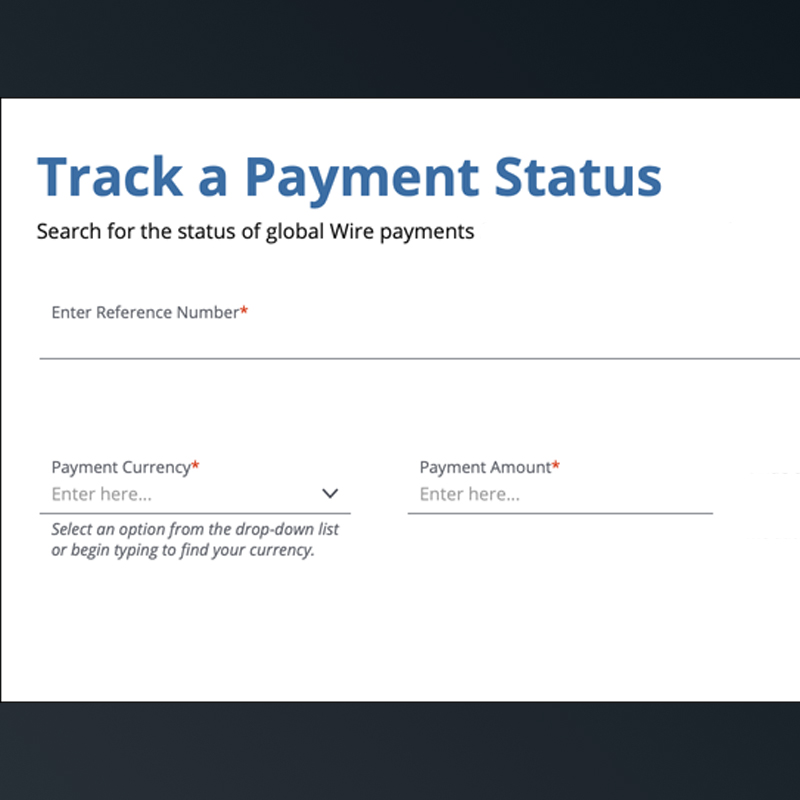
Payment Tracker
Follow your payments from initiation to completion with real-time status updates that help you answer client questions and reconcile faster.

Customer Insights
Turn your card transaction data into clear views of your customers, sales and markets—included at no extra cost with your J.P. Morgan card processing relationship.

Cashflow360:
Invoicing and payments, simplified
Connect with your suppliers and clients on a single platform to send invoices, approve payments and reconcile transactions—without the manual work. Cashflow360 digitizes the entire process, so you can get paid faster and pay smarter.


Related insights

Business Planning
Why cash flow forecasting and succession planning matter
Mar 30, 2026
As a business owner, effective cash flow management is crucial. From growth to legacy, read on to learn the important components of a well-balanced strategy.
Read more
Business Planning
Guide to growth: Financial strategies for scaling businesses
Nov 12, 2025
Use our guide to assess your business’s current financial capabilities and identify what to build next to accelerate business growth.
Read more
Business Planning
Navigating uncertainty: A path for business owners
Feb 23, 2026
With constantly evolving economic, political and technological landscapes, it’s important for business owners to have a plan.
Read moreJPMorgan Chase Bank, N.A. Member FDIC. Deposits held in non-U.S. branches are not FDIC insured. Non-deposit products are not FDIC insured. The statements herein are confidential and proprietary and not intended to be legally binding. Not all products and services are available in all geographical areas. Visit jpmorgan.com/paymentsdisclosure for further disclosures and disclaimers related to this content.